Home › QO-100
QO-100
The amateur radio satellite that stands still: QO-100 hangs at 25.9° East above the equator and can be reached around the clock from Europe, Africa and large parts of Asia. No tracking, no passes, no Doppler.
What it's about
What
The amateur radio transponder on board Es'hail-2, open since February 2019. Narrowband for CW, SSB and digital modes, wideband for amateur television. Looked after by AMSAT-DL.
Where
Fixed at 25.9° East. From Central Europe it's in the south-southeast, about 30° up. Once aligned, the dish stays put. The alignment calculator works out the angles for your location.
Why
It's always there: contacts across half of Europe, Africa, as far as Brazil and India, without waiting for propagation. A TV dish is enough to listen.
What do I need
From the dish all the way to the browser. Any station can listen; only those who set it up and enable it at the gateway can transmit.
- Dish and LNBDish from 60 cm, LNB with a stable oscillator; for transmitting, a 13 cm feed.
- Power feed and SDRThe bias tee powers the LNB through the coax, the SDR samples the intermediate frequency.
- GatewayComputes spectrum, waterfall and audio on the board, locks onto the beacon, safeguards the transmitter.
- afu.toolsRelays encrypted traffic between gateway and browser, no port forwarding on your router needed.
- BrowserOn a computer or phone: tune with a click, listen, transmit if you have permission.
To listen
- Satellite dish from about 60 cm
- an ordinary LNB, ideally one with a stable oscillator
- an SDR behind it, powered through a bias tee
- the beacon as a reference, so you don't have to keep retuning
To transmit
- the same dish with a 13 cm feed
- a few watts on 2400 MHz, power amplifier at the feed
- keep your level modest: your signal no stronger than the middle beacon
- the gateway measures this and backs off the level if you're above it
Nothing is transmitted unless you enable the transmitter at the gateway and press the key. The gateway blocks the beacons and band edges, watches your level against the beacon and switches off if the connection drops.
Calculators
Align, convert, measure the offset.
Align your dish
Direction to the satellite
Azimuth is the compass bearing (true, not magnetic), elevation the angle above the horizon. The LNB rotation compensates for the satellite aligning its polarisation with the Earth's axis.
What it looks like
On the map
The locator is only accurate to a few kilometres. Drag the dot to your location or click the spot, and the calculator above recalculates. The dashed line shows the direction to the satellite: anything close to you along it (houses, trees) can block the view.
Map tiles from OpenStreetMap, loaded via the afu.tools server. Satellite image: EOxCloudless 2024 by EOX IT Services GmbH (contains modified Copernicus Sentinel data 2024), CC BY-NC-SA 4.0. Resolution 10 m per pixel: forests, fields and towns are visible, individual trees are not.
Convert frequencies
Uplink, downlink, intermediate frequency
Enter one number and the others follow. The transponder shifts up by 8089.5 MHz, your LNB shifts back down.
Measure the LNB offset
An off-the-shelf TV LNB is a few kilohertz off and drifts as it warms up. The beacons are fixed: however far off you are on a beacon, you're that far off everywhere.
Once the offset is set, the converter includes it and shows you the number you actually need to dial in. With a gateway you don't need this: it measures the offset on the beacon itself.
Band plan and beacons
The narrowband transponder is 500 kHz wide: the CW beacon on the left, the BPSK beacon in the middle, the multimedia and upper beacons on the right. Hover over a segment to see its name and mode.
| Downlink MHz | Uplink MHz | Segment | Note |
|---|
Transponder
| Transponder | Uplink MHz | Downlink MHz | Modes |
|---|---|---|---|
| Narrowband 500 kHz | 2400.000 to 2400.500 | 10489.500 to 10490.000 | CW, SSB, narrow digital modes |
| Wideband 8 MHz | 2401.500 to 2409.500 | 10491.000 to 10499.000 | DVB-S2, amateur television |
Beacons
| Beacon | Downlink | Type | Purpose |
|---|
Band plan: AMSAT-DL.
Your station in the browser
With the gateway on your SDR you can listen to and control your station from anywhere: transponder, waterfall and audio.
Good to know
- No Doppler. QO-100 stands still relative to the Earth, so the frequency doesn't shift. What drifts is your LNB as it warms up. That's what the beacon is for. For orbiting satellites there's the satellite page.
- Bands and classes. The uplink is in the 13 cm band, the downlink in the 3 cm band. The power your licence class allows there is in the band plan.
- Emergency traffic. Keep the emergency segment clear, except for emergency traffic or a registered exercise.
- Level. Your signal shouldn't be stronger than the middle beacon in the waterfall.
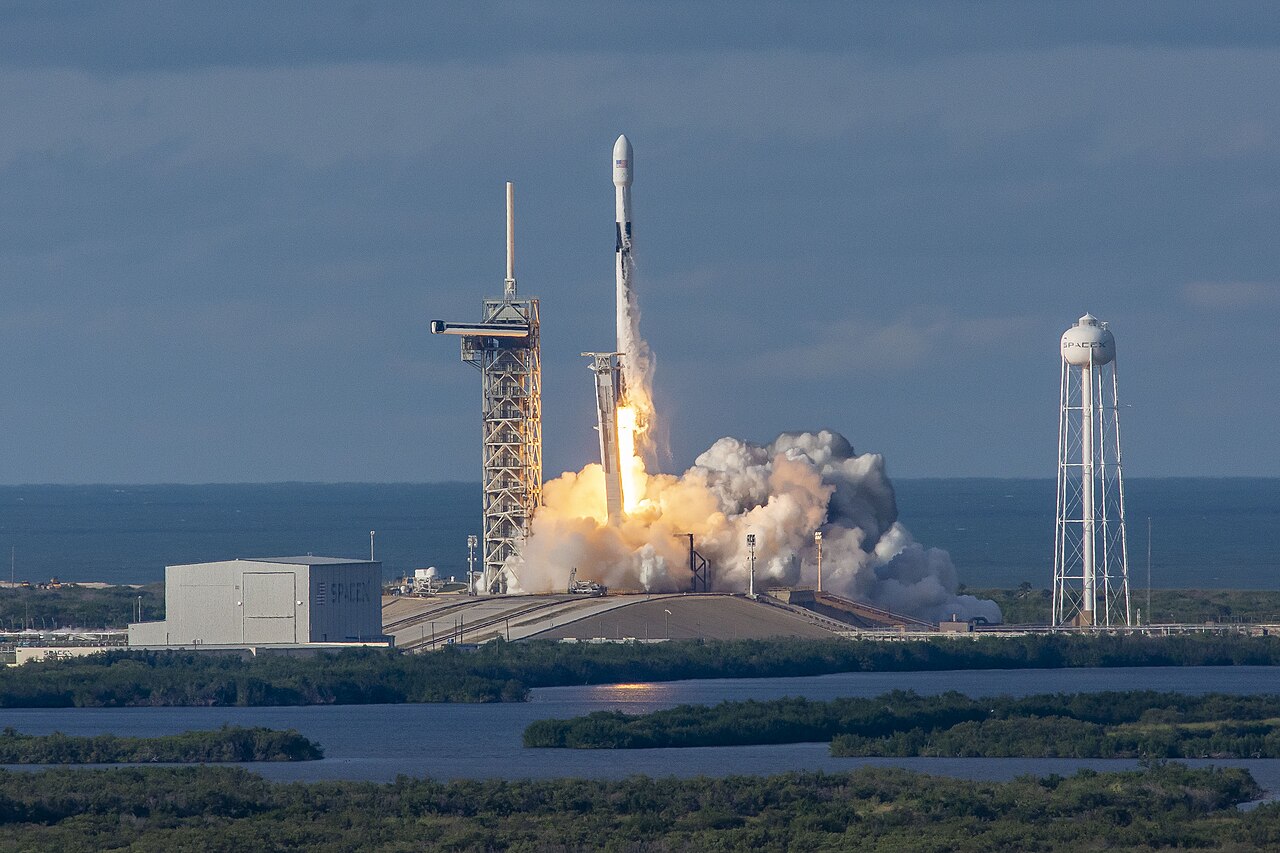
Image credit: launch of Es'hail-2, SpaceX, Wikimedia Commons, public domain (CC0 1.0), scaled down to 1280 pixels. Satellite, Earth, compass, station setup and band plan bar: our own drawings by afu.tools.
